How to Create an AI Girlfriend or Boyfriend Character
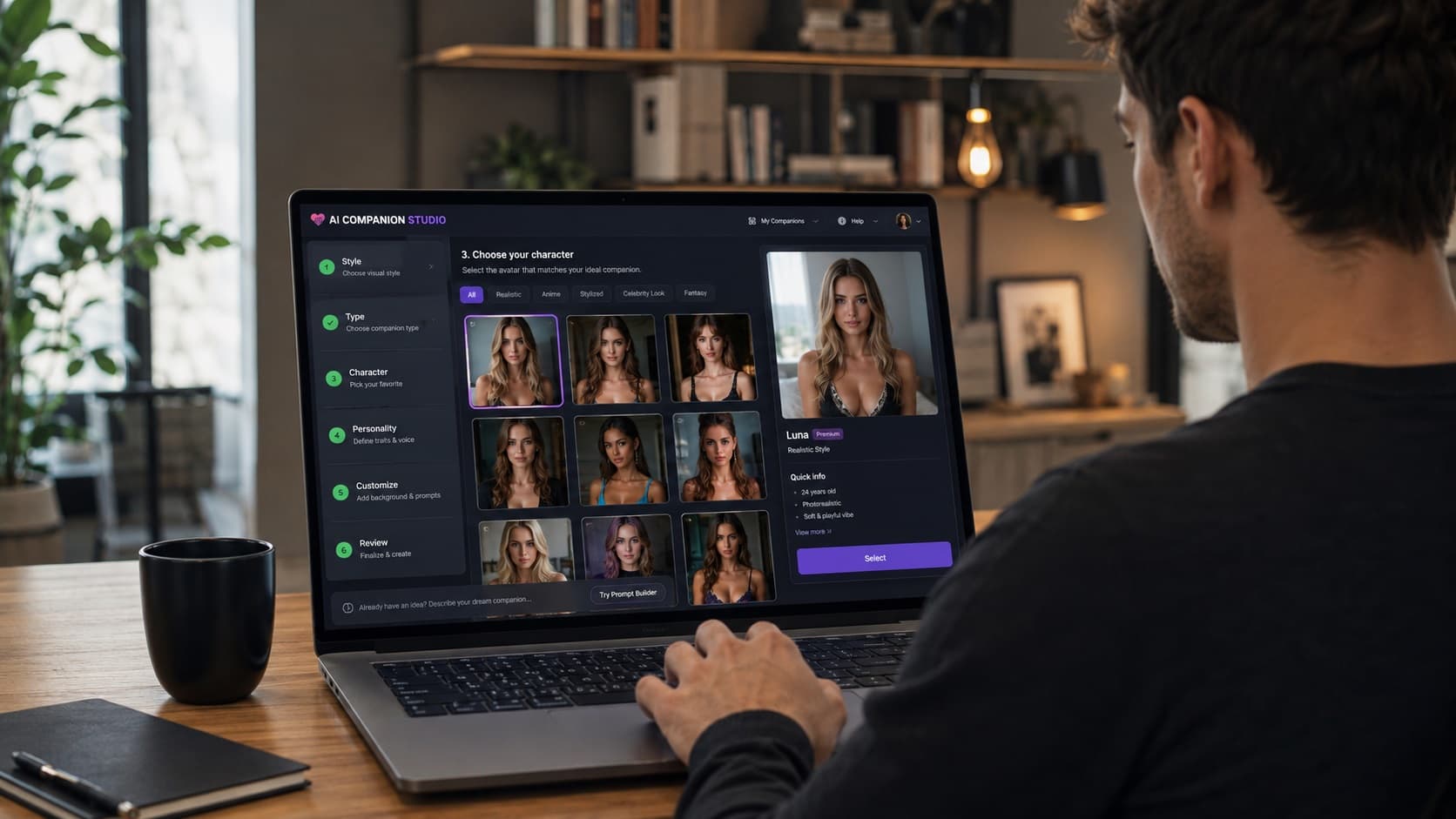
You do not need to train a model or write code to create a virtual girlfriend or boyfriend character on FLIRTcam. The character builder lets you choose visual and personality settings, add a description and select a voice. These choices guide a fictional AI companion for chat; they do not create a real person or guarantee a particular generated reply.
1. Decide what kind of character you want
Start with a simple idea rather than a long list of traits. For example, “a calm, curious science-fiction pilot who likes solving mysteries” gives you a visual direction and a conversational style. You can then decide whether the character should have a realistic or anime look and which appearance options fit your idea.
If you are unsure, browse existing characters first. That can help you identify what you like before making your own.
2. Choose appearance and voice
Use the available builder controls to select appearance options and a voice. The builder presents the options that are currently supported; not every combination produces an exact visual match. If an option does not suit your idea, change one setting at a time rather than relying on a prompt to override every choice.
3. Describe the personality
Personality settings and your custom description help establish how the character should speak and what topics it might enjoy. A useful description is specific but short:
A friendly detective who enjoys puzzles, asks one question at a time and keeps our story playful. We meet in a rainy city café before a new case.
This gives the conversation a role, tone and opening scene. It does not promise that the character will remember every detail indefinitely or follow instructions perfectly.
4. Review access before creating
Check the requirements and any displayed cost in the builder before you finish. Account status, subscription and token allowances can affect chat, images and video. Creating a character does not make all of those features free or unlimited. The subscription page explains the available plans.
5. Start a conversation and refine the scene
Begin with a message that tells the character where the scene starts and gives it something to respond to. If a reply misses an important detail, restate it or steer the conversation. You can also try a roleplay scenario, create a still scene with the image generator, or explore the video generator when those tools are available to your account.
The builder is for designing a companion for interaction. If your goal is only to make a picture, start with the image generator instead.