








How a scene works
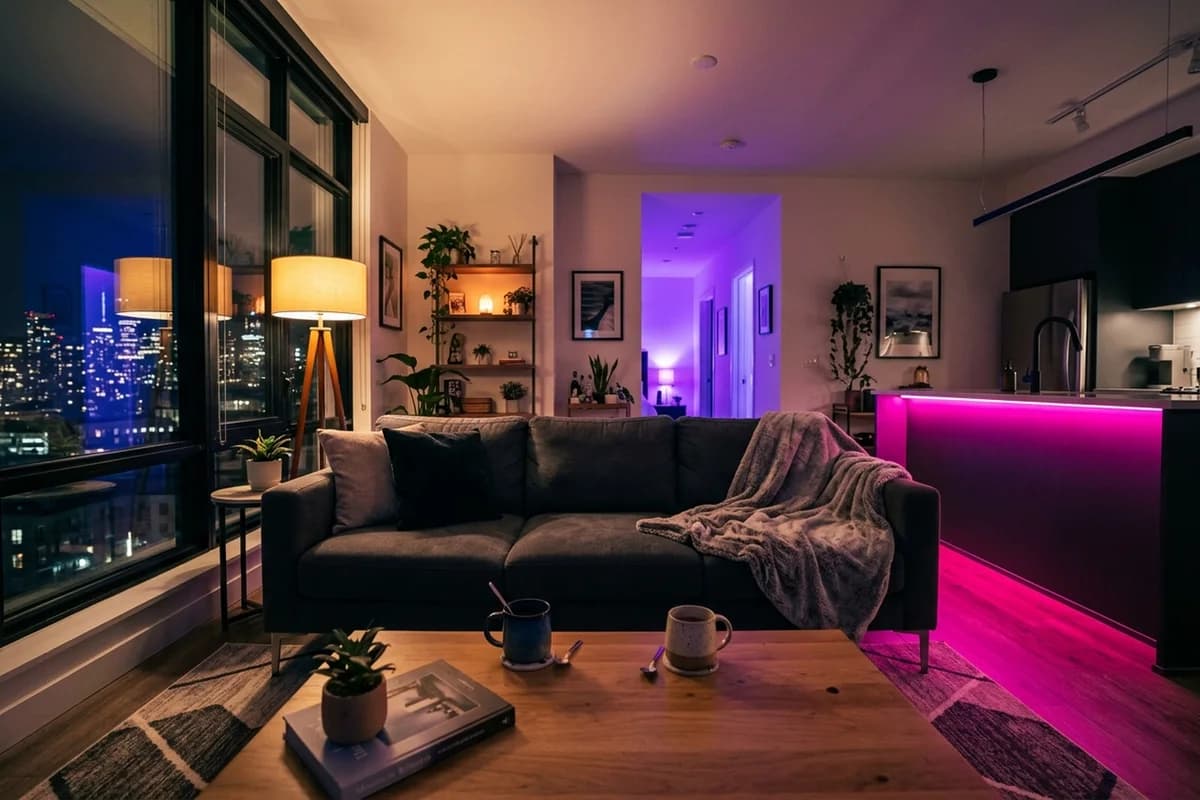
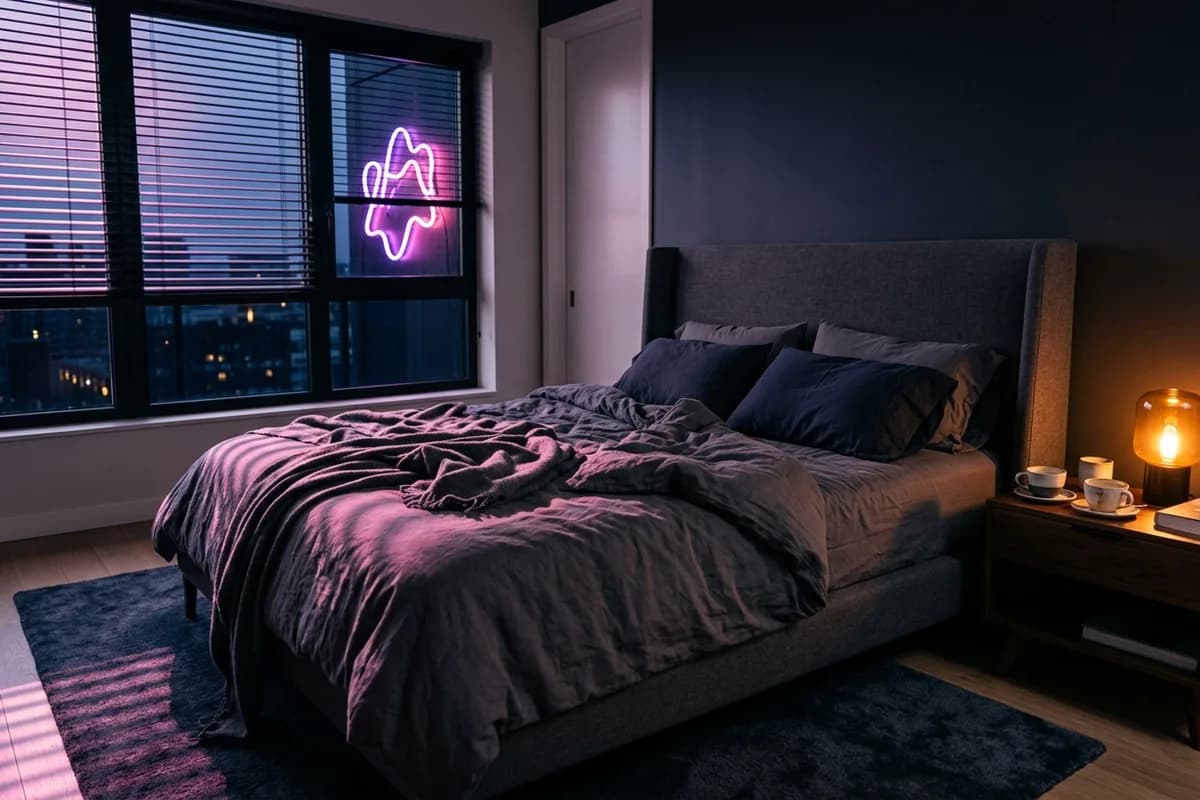
Each scene gives you a setting, character roles and an opening message. Respond in your own words to develop the story. Your messages help shape what happens next, while the character’s replies are generated by AI.
Find a starting point
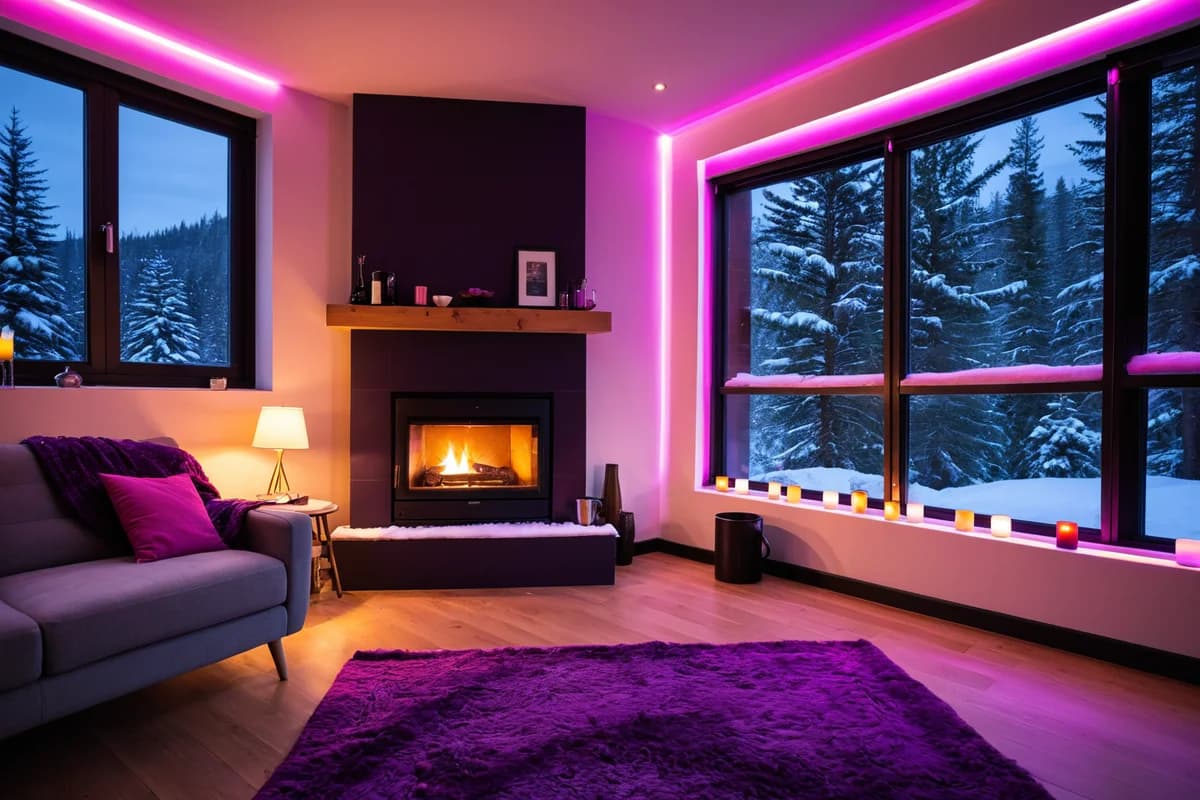
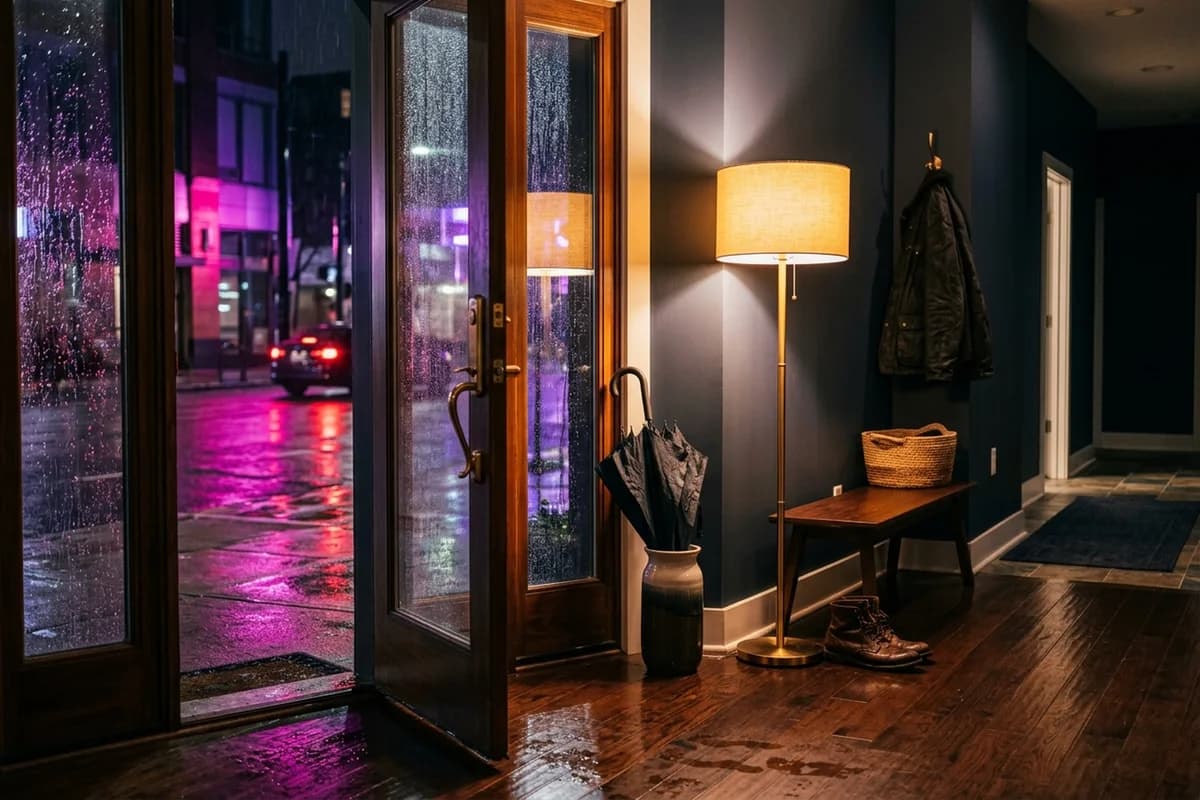
Try friends to lovers for a story built around an existing friendship, a fake relationship for pretend dating, or a snowed-in cabin for an isolated winter setting.
Choose your character
Select an available character for the scene, or build your own companion. Appearance and personality give you different starting points for playing out the same situation.
End or change a scene
Scenes run within your conversation. Ending a scene clears its active setting so you can return to ordinary chat with the same character. Messages from scenes you have played remain in the conversation history; that does not guarantee the AI will recall every detail in later replies. You can select another scene when you want a different starting point.